Try on a wig or extensions virtually.
First choose a product from our shop and its variants, then your photo. After your first start, the preview adapts when you change the colour or length.
Go to online try-on1. Choose a product
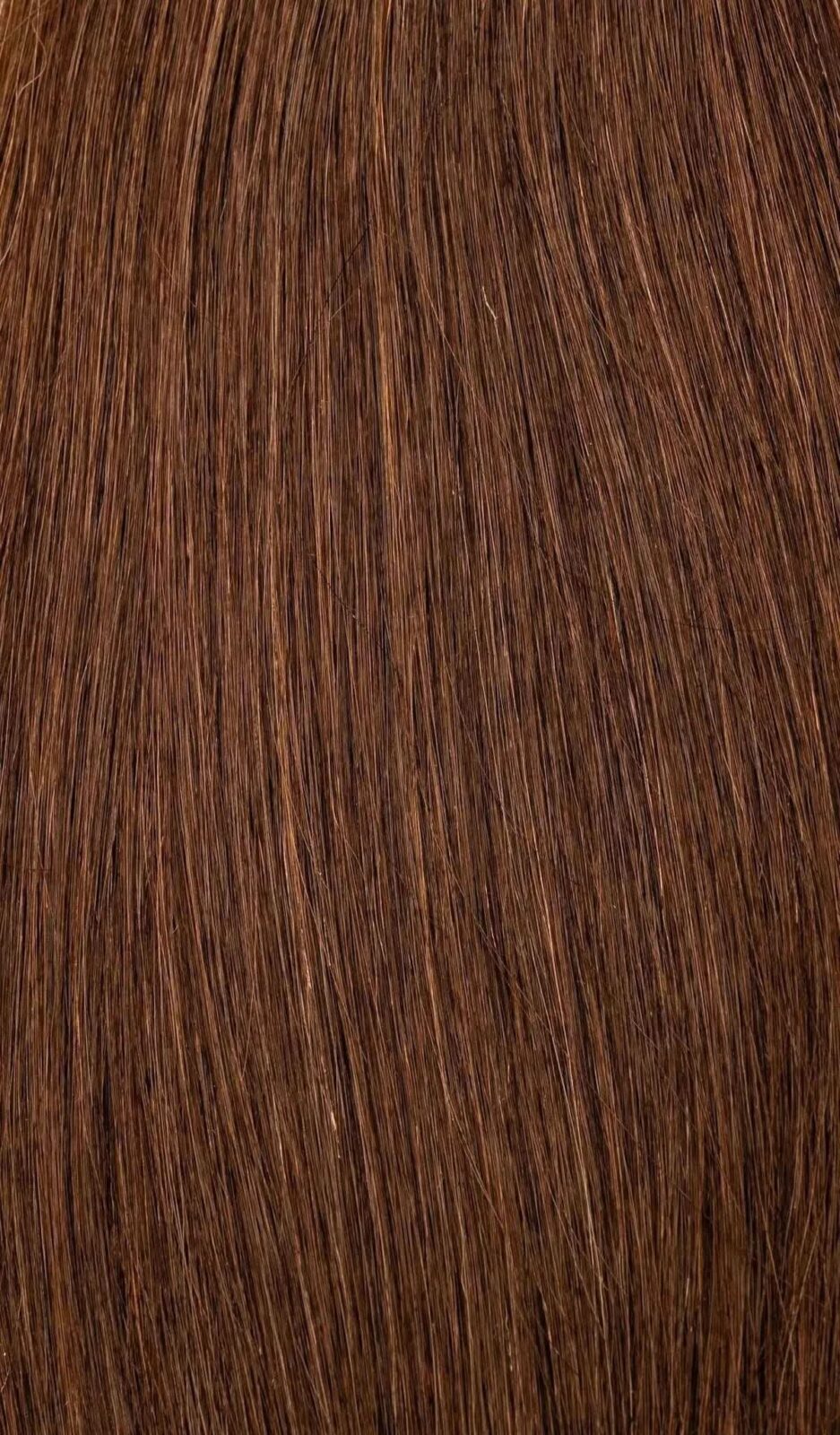
Extensions
NOGI Tape Invisible
45 cm · 20 g / pack · 13 colour codes
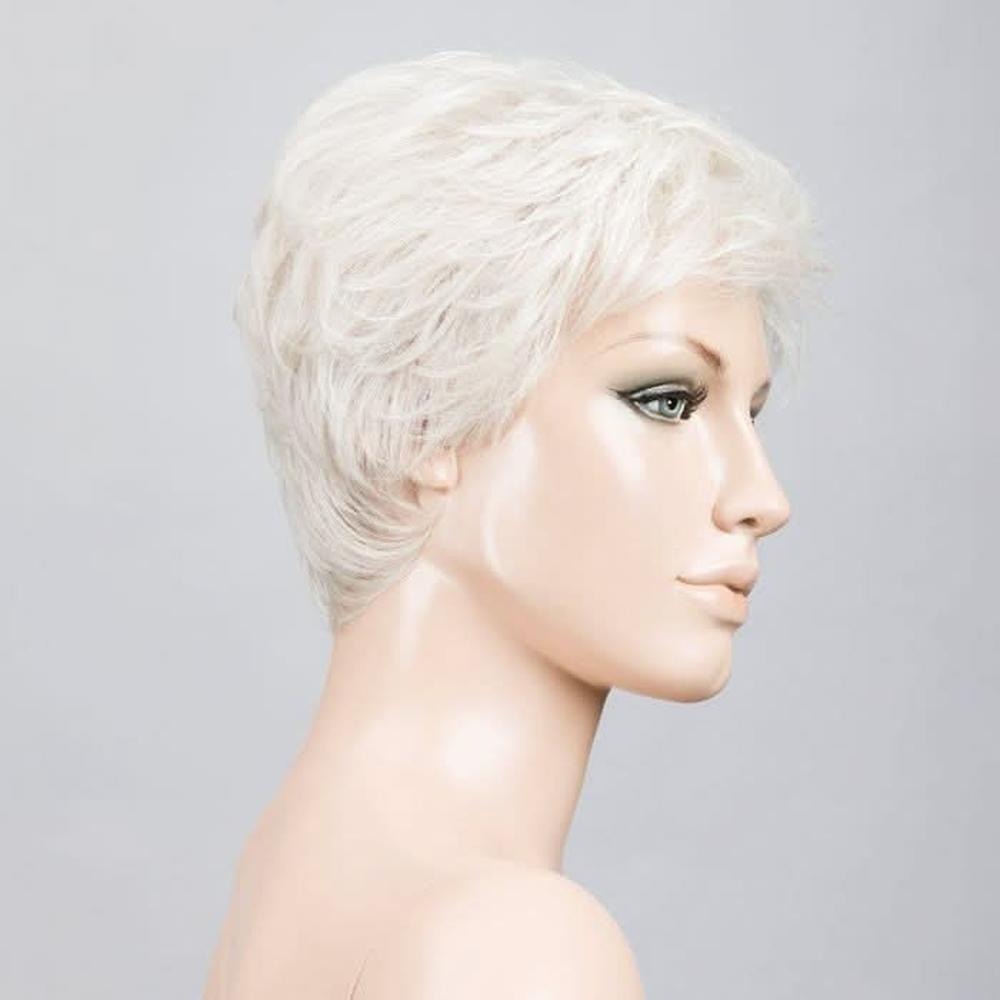
Wig · Short
Ellen Wille Yoko
Nape 4.4 cm · Weight approx. 60 g

Wig · Long
Ellen Wille Pretty
Nape 34.3 cm · Weight approx. 125 g
Currently in the online try-on: NOGI Tape Invisible and two wigs from our shop (short and long). Medium-length models are not yet available here.
2. Choose variants
Your choice:
The product photo is currently unavailable. Please choose another colour code or contact us.
3. Your photo
Choose a photo or take a selfie. Look straight at the camera; your face, hair and shoulders should be clearly visible and evenly lit.
Your previously selected photo will be used for this preview.
JPG, PNG or WebP, up to 8 MB. Selecting a file only shows a local preview at first. Your photo and choices are only sent after your consent and a click on “Start try-on”.
After your first preview, changing the colour, length or other offered variants updates the image automatically. Your original photo is always processed again.
4. Your preview
Your choice:
AI preview: colour, fit and appearance can differ from the actual product.
AI preview for guidance. It does not guarantee a colour or provide an exact measurement of length or amount of hair, and it does not replace a personal consultation.
Position yourself for your photo
Centre your face in the guide. Keep your head, hair and shoulders fully visible. Use even lighting and look straight at the camera.
The camera preview stays on your device. Only when you explicitly start the try-on is the selected photo sent.